Auto-scroll in any direction, stay in the flow.
Scrolly handles the scrolling so you can focus on the content. Set your pace, pick a direction, pause instantly, and return to where you started.
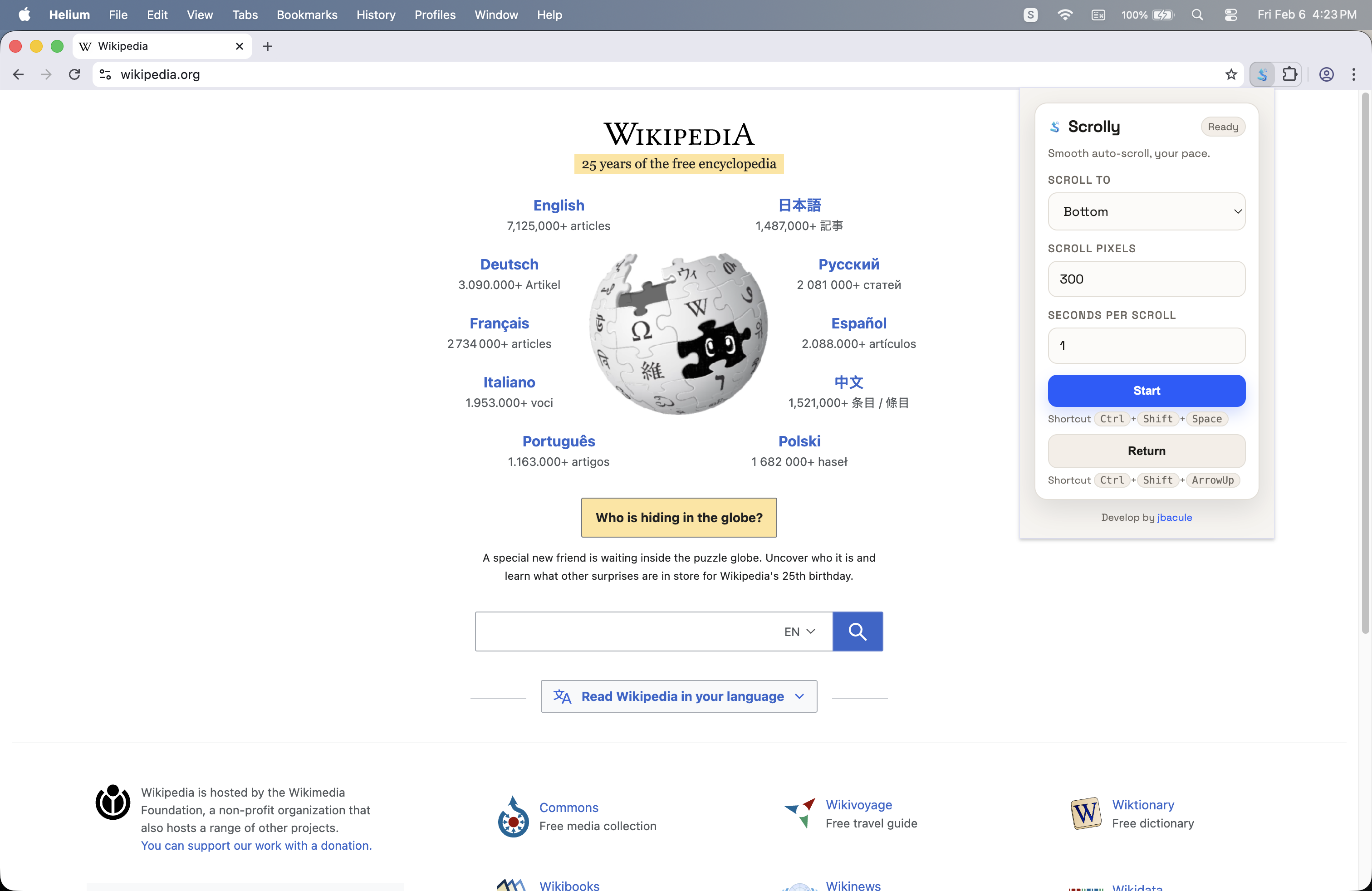
Watch Scrolly in action
See the extension in a quick walkthrough.

Get started
Scrolly is available on the Chrome Web Store and works with Chromium browsers like Chrome, Edge, and Brave.
Add & pin
Click “Add to Chrome” and pin Scrolly for quick access.
Configure & start
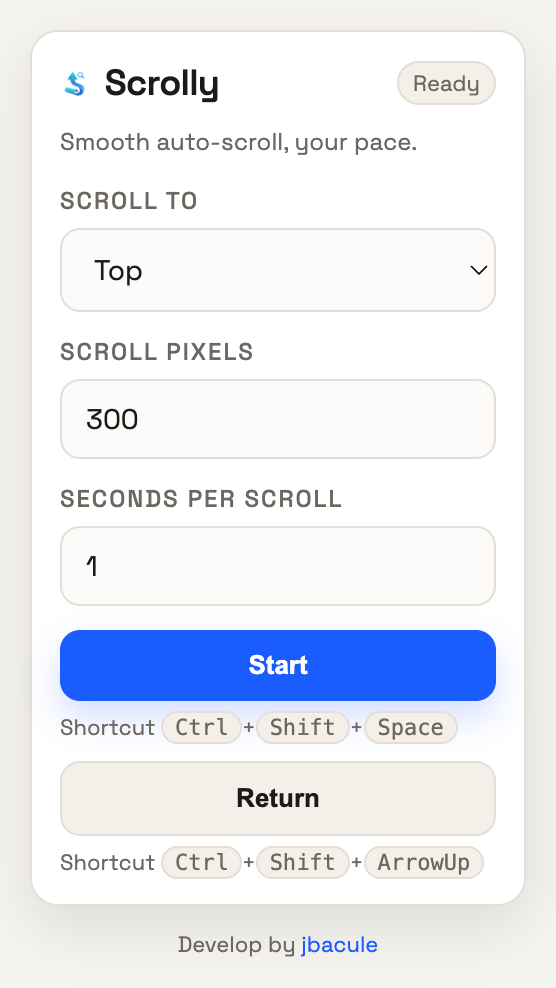
Set your scroll pace, press Start, and pause anytime.
Feature highlights
Built to keep long reads moving without breaking your rhythm.
Directional auto-scroll
Scroll top, bottom, left, or right while you focus on the content.
Keyboard shortcuts
Start, stop, or return to start without touching the mouse.
Return to start
Head back to your original position after a long session.
One-click pause
Pause the scroll instantly when you need to focus on a detail.
Adjustable speed
Set pixels per scroll and seconds per scroll to match your pace.
Works on any page
Use it on articles, docs, research, and web apps without setup.
Usage & shortcuts
Open the extension once after install to initialize defaults, then set your pace and go hands-free.
Quick usage
- Open the extension and set Scroll Pixels and Seconds per Scroll.
- Click Start to begin auto-scrolling; click again to stop.
- Click Return to go back to your start position.
Keyboard shortcuts
Ctrl + Shift + Space Start/Stop Scroll
Ctrl + Shift + ArrowUp Return to Start